Why Mobile Dark Web Access Is Different
Mobile devices have smaller screens, less processing power, and different operating systems than desktops. These constraints matter when you are trying to maintain anonymity. A mobile phone also collects more metadata by default: location data, app usage patterns, and cellular identifiers that can be harder to control than on a computer.
The Tor Project publishes guidance on mobile use cases and acknowledges that mobile Tor clients face different threat models. Mobile devices are often used in ways that expose location or routine patterns, even when Tor is running. If you use the same mobile device for both regular browsing and dark web access, you create a linkage that can compromise anonymity. The best practice is to use a dedicated mobile device or a separate user profile if your phone supports it, though most people do not take this step.
Best Dark Web Browser Options for Mobile
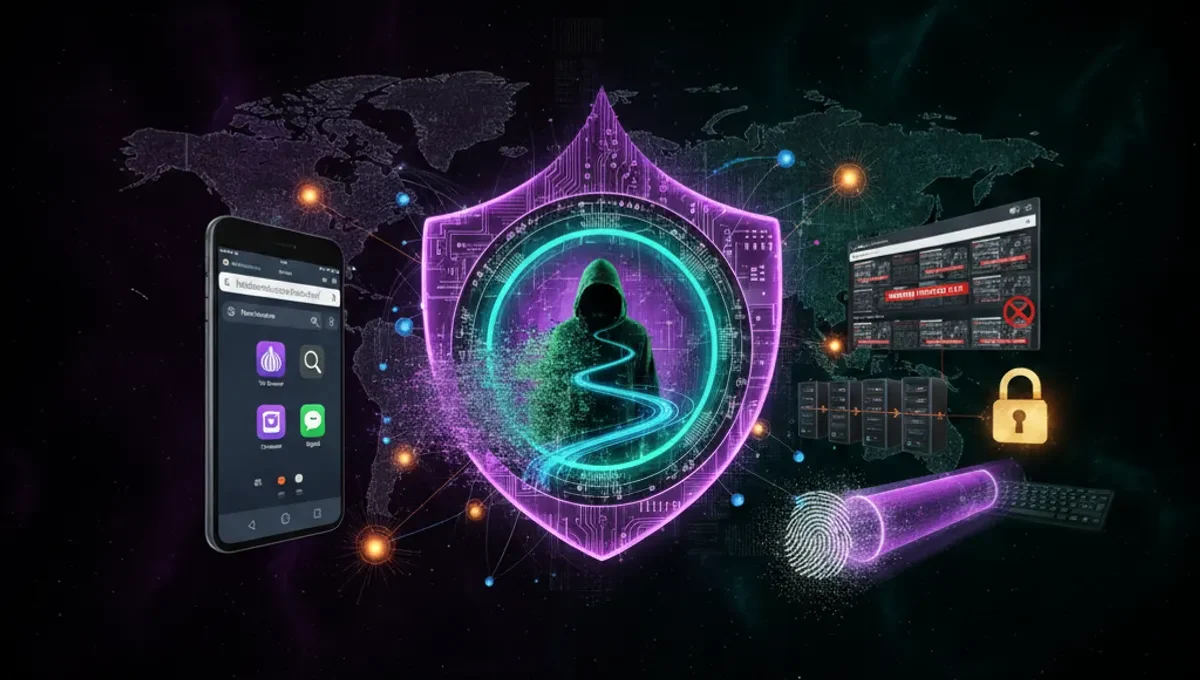
Tor Browser is the official mobile implementation for Android. It is built on Firefox and routes traffic through the Tor network. The app is free, regularly updated, and recommended by the Tor Project. On iOS, Tor Browser is also available but with limitations due to Apple's restrictions on how apps can handle network traffic.
Onion Browser is an alternative for iOS that uses Tor and is maintained independently. It has fewer users than Tor Browser, which can affect fingerprinting resistance. For Android, some users prefer Orbot, which is a Tor proxy that can route traffic from other apps through Tor, but this requires additional configuration and does not provide the same isolation as Tor Browser. When choosing a browser, prioritize official or well-maintained open-source projects over obscure alternatives, as security flaws in lesser-known apps can expose your traffic.
Best Dark Web Apps and Their Trade-offs
Several apps are designed to work with Tor on mobile. Briar is a messaging app that works over Tor and does not require a phone number or email. It is open-source and maintained by the Guardian Project. Element (formerly Riot) is a Matrix client that can be configured to use Tor for encrypted messaging. Ricochet Refresh is a peer-to-peer instant messenger that routes through Tor by default.
Each app has different strengths. Briar works offline via Bluetooth mesh networks, which is useful in areas with poor connectivity. Element integrates with larger networks but requires more setup. Ricochet is lightweight but has a smaller user base. None of these apps are designed for accessing traditional dark web pages or marketplaces; they are for communication. If you need to browse onion sites on mobile, you will use Tor Browser, not a specialized app.
How to Set Up Tor Browser on Android
Download Tor Browser from the official Google Play Store or from the Tor Project website directly. Open the app and tap the connect button. The app will establish a connection to the Tor network, which takes 10 to 30 seconds depending on your connection.
Once connected, you can browse onion sites by entering .onion addresses in the address bar. Tor Browser on Android includes the same security features as the desktop version: script isolation, canvas fingerprinting protection, and automatic circuit renewal. Do not install other apps that claim to be Tor browsers but are not from the Tor Project or well-known organizations, as malicious apps can intercept traffic or steal credentials. Always verify the app publisher before installing.
Reality Check: Mobile Anonymity Limitations
According to Tor Project documentation, mobile devices present unique deanonymization risks because they are often used in patterns that reveal location or identity. Your phone connects to cellular towers, which log your presence. Even with Tor enabled, metadata about when and where you use the app can be collected by your mobile carrier or network administrator. Security-vendor incident reports on mobile malware show that compromised devices can leak information even when Tor is running, because malware operates at a system level above the browser.
Court records from law-enforcement cases involving Tor users show that investigators often identify suspects through non-Tor activity on the same device or through behavioral patterns rather than through breaking Tor itself. This matters because it means your mobile dark web access is only as secure as the rest of your device. If you use the same phone for banking, social media, and dark web access, investigators can link all three activities to you. The practical implication is that mobile dark web access should be treated as a supplement to desktop use, not as your primary method.
Best Dark Web Search and Navigation on Mobile
Finding onion sites on mobile is harder than on desktop because many dark web search engines and directories are not optimized for small screens. Ahmia is a search engine for onion sites that works on mobile and returns only indexed, non-malicious results. The Tor Project maintains a list of official onion addresses for services like ProPublica and the BBC, which are good starting points.
Do not rely on links shared in forums or chat apps without verification. Phishing clones of popular onion sites are common, and a small screen makes it easier to miss URL differences. Always verify onion addresses against PGP-signed announcements or official sources. Bookmarking verified addresses in Tor Browser is safer than searching for them each time. Many users find that mobile dark web browsing is slower and more frustrating than desktop use, which is another reason to use mobile only when necessary.
Security Mistakes to Avoid on Mobile
Do not maximize your browser window or enable plugins on mobile Tor Browser, as these can increase your fingerprint and make you easier to identify. Do not use your real name, email, or any personal information in usernames or profiles on onion sites accessed from mobile. Do not take screenshots of sensitive content, as they are stored in your phone's media library and can be recovered even if you delete them.
Do not use mobile dark web access while connected to your home WiFi or a WiFi network where your device is already known. Use a mobile data connection or a public WiFi network where you are not a regular user. Do not leave Tor Browser running in the background while you use other apps, as this can create timing correlations that compromise anonymity. Do not assume that using a VPN before Tor on mobile adds security; this is a common misconception and can actually reduce anonymity by creating a single point of failure.
Next Steps: Verify Before You Browse
If you decide to access the dark web on mobile, start by installing Tor Browser from an official source and testing it on a known onion site like the Tor Project's own onion address. Spend time understanding how onion addresses work and how to spot phishing attempts before you visit unfamiliar sites. Read the Tor Project's security guidelines for mobile users and consider whether mobile is the right tool for your use case.
The most important step is to verify any onion address against multiple sources before visiting it. Use the Useful Resources page of this site to find links to official announcements and PGP-signed address lists. If you are accessing the dark web for security research, journalism, or privacy protection, document your setup and keep your device updated with security patches. If you are unsure whether an app or address is legitimate, ask in privacy-focused communities or check security-focused forums where people discuss these tools openly.
Frequently asked questions
Can I access the dark web on my iPhone
Yes, Tor Browser is available on iOS from the App Store. However, Apple restricts how apps can route traffic, so iOS Tor Browser has some limitations compared to Android. Onion Browser is an alternative iOS option. Both work, but Android generally offers more flexibility for dark web access.
Is it safe to use the dark web on mobile
Mobile dark web access carries additional risks compared to desktop use because phones collect location data and are often used in patterns that reveal identity. If you use the same phone for regular activities and dark web access, investigators can link the two. Mobile is safer when used as a secondary device or with a separate user profile, but it is inherently less secure than a dedicated desktop setup.
What is the best dark web search engine for mobile
Ahmia is a search engine for onion sites that works on mobile and filters out malicious results. The Tor Project also maintains a list of official onion addresses. For most purposes, bookmarking verified addresses is safer than searching, as phishing clones are common on mobile screens where URL differences are harder to spot.
Do I need a VPN if I use Tor on mobile
Using a VPN before Tor on mobile does not add security and can reduce anonymity by creating a single point of failure. Tor alone is designed to provide anonymity. If you use a VPN, you are trusting the VPN provider with your traffic, which defeats the purpose of Tor. Use Tor directly without a VPN for better security.
Can I use Tor Browser on Android without Google Play
Yes, you can download Tor Browser directly from the Tor Project website and install it as an APK file. This is actually recommended if you want to avoid any potential interference from app store policies. Always verify that you are downloading from the official Tor Project domain before installing.