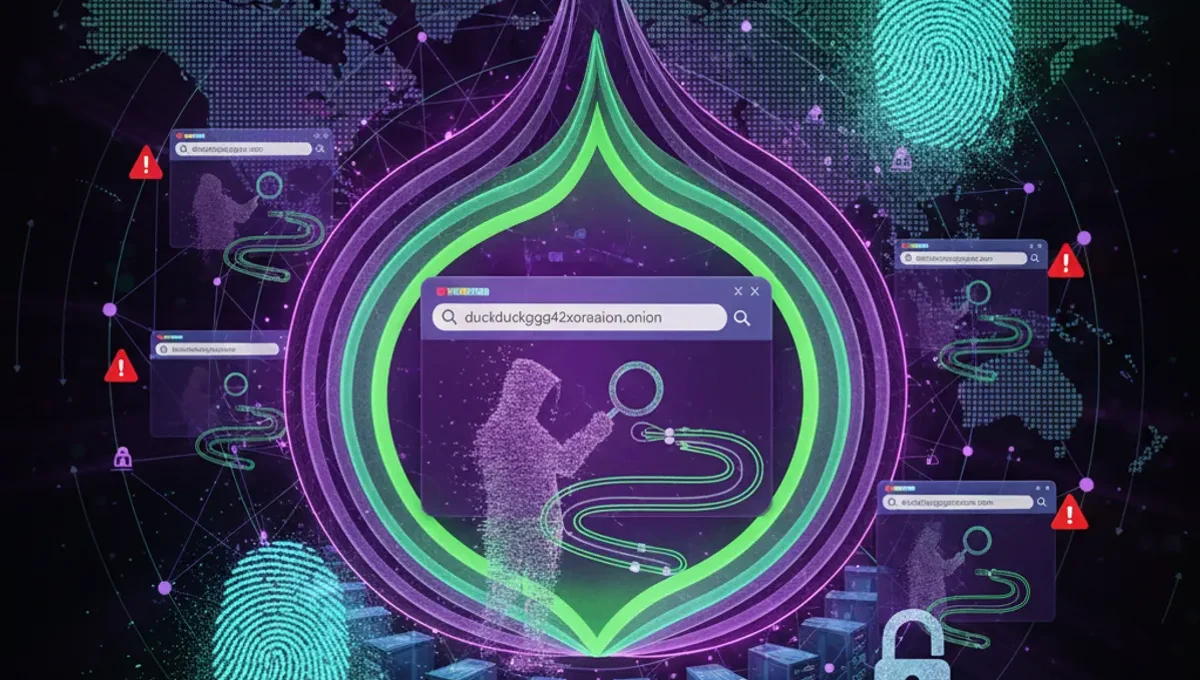
What Not Evil Is and Why It Matters
Not Evil is a search engine designed specifically for onion services and Tor-accessible content. It indexes .onion addresses and allows users to search the Tor network without relying on centralized services or exit nodes. Unlike surface-web search engines, Not Evil does not log user queries or IP addresses, making it a privacy-focused tool within an already anonymized network.
The service has operated since the early 2010s and has become a reference point for users trying to navigate onion directories and find legitimate Tor services. It is not a marketplace or forum; it is a search utility. Understanding this distinction matters because many users conflate search engines with the marketplaces and forums that appear in search results. Not Evil itself is a technical resource, not a gateway to illegal activity, though like any search engine it indexes content of all kinds.
The Phishing Clone Problem
Phishing clones of Not Evil circulate on Tor regularly. These fake versions look identical to the real site but steal credentials, inject malware, or redirect users to scam pages. Because onion addresses are long, random strings of characters, users often rely on bookmarks or search results to find services, making them vulnerable to typos and redirects.
A clone might appear in search results or in forum posts claiming to be the "current" Not Evil address. The attacker counts on users not verifying the address through official channels. This is why the Tor Project and security researchers consistently recommend checking PGP-signed announcements and official documentation rather than trusting links shared in comments or on Reddit. One misclick can expose your browser to fingerprinting attacks or credential theft.
How to Verify the Real Not Evil Onion Link
Verification requires multiple steps. Do not rely on a single source.
- Visit the official Tor Project documentation and onion services directory to find links to verified onion mirrors and search engines.
- Check the PGP signature of any announcement claiming to provide the current Not Evil address; verify the key fingerprint against the official Tor Project website.
- Use a darksearch onion link or onion browser link aggregator that maintains a curated list of verified services; these sites often include timestamps and community feedback.
- Cross-reference the address across at least two independent sources before bookmarking it.
- Once you access the site, check for HTTPS (Tor Browser will show a green lock) and look for any security warnings.
If the address changes, the maintainers will announce it through official channels. Do not assume a new address is legitimate just because it appears in a forum post or a link onion tor directory.
Reality Layer: How Onion Services Actually Behave
Tor Project documentation confirms that onion services are vulnerable to DNS leaks, timing attacks, and exit-node eavesdropping if users misconfigure their browser or use plugins. This matters because a user who finds the correct Not Evil address but runs an outdated Tor Browser or has JavaScript enabled may still leak metadata or be fingerprinted. Security-vendor incident reports show that users often trust a site because it loads quickly or looks professional, without verifying the address itself; attackers exploit this by hosting convincing clones on fast infrastructure.
Court records and law-enforcement press releases document cases where users accessed phishing clones thinking they were accessing legitimate onion services, then had their devices compromised. The lesson is that verification is not optional; it is a prerequisite for safe Tor use. An onion link opener or onion browser link tool is only as safe as the address it directs you to.
Using Not Evil Safely on Tor
Once you have verified the address, access it only through Tor Browser, not through a VPN or proxy. Tor Browser is configured to prevent fingerprinting and timing attacks that could deanonymize you. Keep Tor Browser updated to the latest version; security patches are released regularly.
When searching, avoid queries that combine personal information with technical terms, as this can narrow your anonymity set. For example, searching for your own username alongside a technical problem is more identifying than searching for the technical problem alone. Not Evil does not log queries, but your Tor exit node operator theoretically could observe encrypted traffic patterns. Use HTTPS whenever possible, and assume that the content you find through the search engine may itself be compromised or malicious. A search result is not a recommendation; it is an index entry.
Distinguishing Not Evil from Other Onion Search Tools
Several onion search engines and link directories exist. Not Evil is text-based and focused on indexing. Other services like darksearch onion link aggregators or onion link tor directories may curate results differently or include marketplace listings. Understanding the difference helps you choose the right tool for your search.
Some onion browser link tools are mirrors or aggregators maintained by third parties; they are not the original service. If you are looking for a specific onion address or service, cross-referencing multiple sources reduces the risk of landing on a clone. The Tor Project's official resources page lists verified onion mirrors and search engines. Reddit communities and forum posts can provide context, but they should never be your only source of truth for an address.
What to Do If You Suspect a Phishing Clone
If a site claiming to be Not Evil behaves oddly, loads slowly, or asks for credentials, close it immediately and do not return to that address. Clear your Tor Browser cache and restart the browser. Report the suspicious address to the Tor Project or relevant security researchers through official channels.
Do not assume that a slow or broken site is a clone; legitimate onion services sometimes experience downtime or performance issues due to network congestion. However, if a site asks you to log in, requests personal information, or displays ads for products or services, it is likely not the real Not Evil. The legitimate search engine is free, does not require authentication, and does not sell advertising. If you have bookmarked an address, verify it again before using it, especially if you have not accessed it in several months.
Next Steps: Secure Your Onion Searches
Verifying an onion link is the foundation of safe Tor use, but it is only one layer. The real protection comes from understanding that every tool, address, and search result on Tor requires skepticism. Bookmark verified addresses from official sources, update your Tor Browser regularly, and treat any new onion link tor address as unverified until you have confirmed it through multiple channels.
Start today by visiting the Tor Project's official resources page and bookmarking their curated list of verified onion services. This single step will save you from most phishing attacks. Then, when you need to search for onion content, use only the addresses you have verified and bookmarked. Treat your Tor Browser like a security tool, not a convenience tool, and you will avoid the common mistakes that compromise users.
Frequently asked questions
Is Not Evil still online and how do I know if the link I found is real
Not Evil's status changes and mirrors go up and down. The only reliable way to verify the current address is to check the Tor Project's official documentation or PGP-signed announcements from the maintainers. Do not trust links shared in forums or Reddit without verification. If you are unsure, visit the Tor Project's resources page and use their curated list.
What is the difference between Not Evil and other onion search engines
Not Evil is a text-based search engine that indexes onion services. Other tools like darksearch onion link aggregators may curate results differently or include marketplace listings. Not Evil does not require login, does not show ads, and does not sell data. If a site claiming to be Not Evil asks for credentials or displays advertising, it is a phishing clone.
Can I use a VPN with Tor to access Not Evil more safely
No. Using a VPN with Tor can actually reduce your anonymity and may leak your real IP address. Access Not Evil through Tor Browser alone, without a VPN. Tor Browser is already configured to prevent fingerprinting and timing attacks. Keep it updated and use only verified onion addresses.
What should I do if I accidentally clicked a phishing clone of Not Evil
Close the browser tab immediately and do not return to that address. Restart Tor Browser to clear your session. If you entered any information, assume it was compromised. Report the suspicious address to the Tor Project through official channels. In the future, always verify addresses before clicking.
How do I know if an onion link is safe before I click it
Verify the address through multiple official sources before clicking. Check the Tor Project's documentation, PGP-signed announcements, and curated onion service directories. Bookmark verified addresses and use only those bookmarks. Never click a link shared in a forum or comment without verification. If the address is new to you, verify it first.